Popular YouTube Banner Designs
The best way to create your YouTube Channel Cover Photo in seconds. Pick one of our best designs to get started:
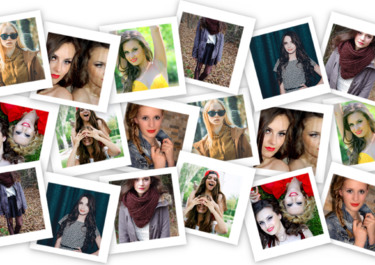
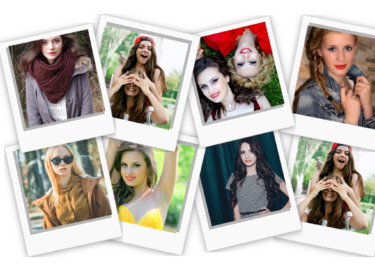
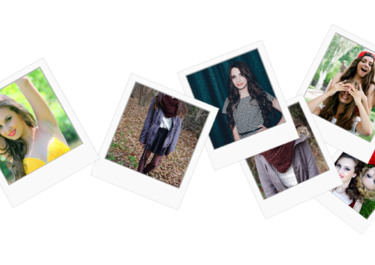


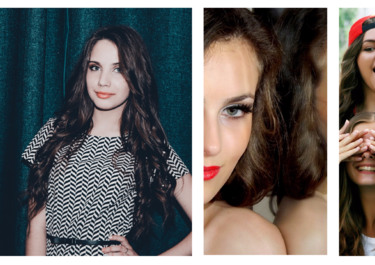
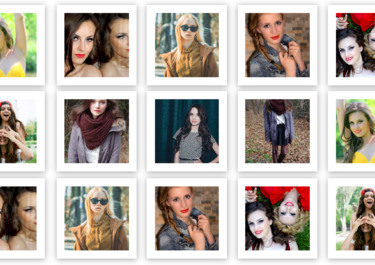
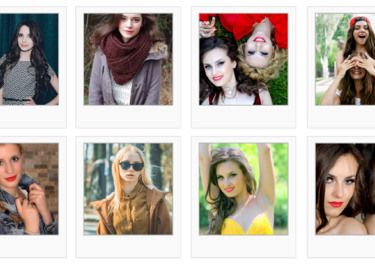
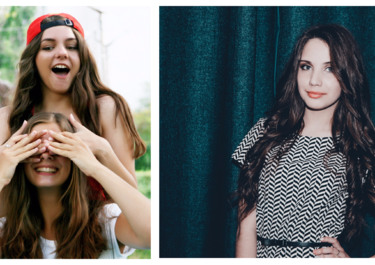
Design a YouTube Banner cover that fits
Photovisi opens the editor in the matching cover shape, so you can focus on photo placement. Keep faces and important text near the center to protect them from profile images and responsive cropping.
Photovisi is free to start and the free download includes a small corner watermark. Premium removes the watermark and unlocks higher-resolution downloads.
Newest social cover designs

YouTube Channel Cover
YouTube Channel Banner
YouTube Channel Cover
YouTube Channel Banner
YouTube Channel Cover
YouTube Channel Banner
YouTube Channel Cover
YouTube Channel Banner

YouTube Channel Cover
YouTube Channel Banner
YouTube Channel Cover
YouTube Channel Banner
YouTube Channel Cover
YouTube Channel Banner
YouTube Channel Cover
YouTube Channel Banner
YouTube Channel Cover
YouTube Channel Banner
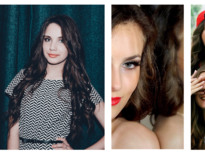
YouTube Channel Cover
YouTube Channel Banner
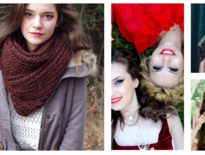
YouTube Channel Cover
YouTube Channel Banner
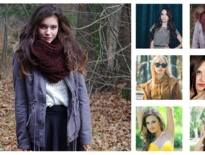
YouTube Channel Cover
YouTube Channel Banner
How the Photovisi cover maker works

Select Theme and Pick Your Photos
Our template library has hundreds of YouTube channel themes to help you get started. Choose a theme, add photos, and begin custom designing your banner.

Make It Unique. We Take Care of the Rest
With our collage sandbox, you're sure to come out with a unique design that reflects your YouTube page's goals and themes. Stylize your banner by adding graphics, sizing your photos, and selecting a background.

Download Your Banner, Ready to Load
When you're done, our banner app will automatically size your image to fit the YouTube homepage banner window. Just download and install.
Easy Photo Collages With Photovisi
Photovisi is the simplest collage maker on the market. With our collection of social media apps, you can put the power of our design tool to work for you on all the major social media platforms.
Also create social media covers for: